From text and source facts to an A4 document
AI PDF Generator
Turn a plain-English description into a print-ready A4 PDF, with real tables, headings, and columns you can refine by chatting.
Free plan includes 50 credits a month. No watermark, no credit card.
One-page consulting report on Q3 churn
Like it? Open a copy in the studio and change anything by chatting. Free, no watermark.
How it works
Describe it
Type what you need in plain language: the client, the line items, the tone. Attach a file if you have one.
Refine by chatting
The agent builds the document with real tables and headings, and you change anything just by asking. A live A4 preview updates as it works.
Download the PDF
Export a print-ready A4 PDF. No watermark on the free plan, and unlimited exports.
What to put in your PDF prompt
Choose the document type and reader, then supply the facts the page must preserve. A prompt-to-PDF workflow creates a new document; it is not the same as compressing a PDF, converting a scan to text or exporting a whole chat history.
- State the purpose, paper size and any required page breaks.
- Include names, dates, prices and source figures; mark anything unknown.
- Specify table columns, payment terms or action owners where they matter.
- Ask for missing facts to stay marked, not filled with invented claims.
For example: “Create a one-page A4 project update for our client. Use my notes for completed work, blockers and next steps. Add an action / owner / due-date table. Do not invent results or dates.” Inspect the first draft, request one specific change and check the downloaded file against your source.
Need a specific document? Start with a work order for a service job, packing slip for a shipment or press release for verified company news. Each page has its own finished example and checks before sending.
Generators
A dedicated page for each kind of document, each with a working example you can run before signing up.
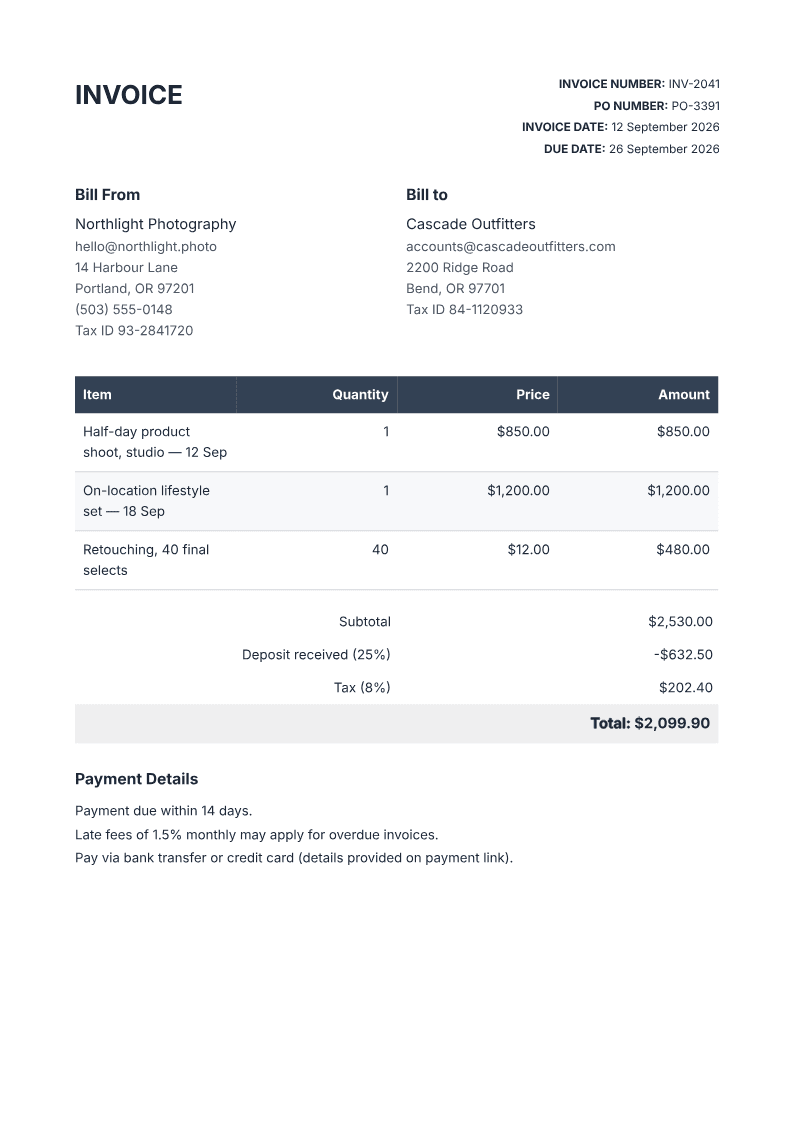
Invoice
Bill a client with a real line-items table, totals, and payment terms.
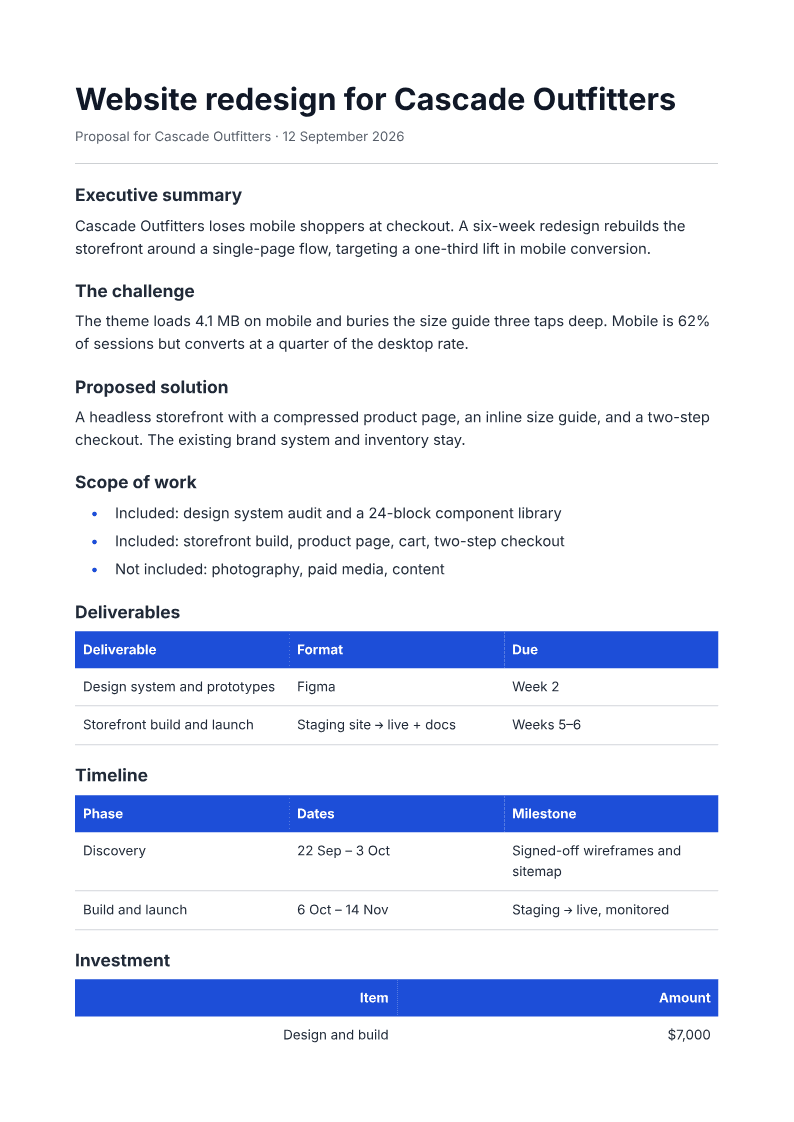
Proposal
Win the work with scope, deliverables, a timeline, and a pricing table.
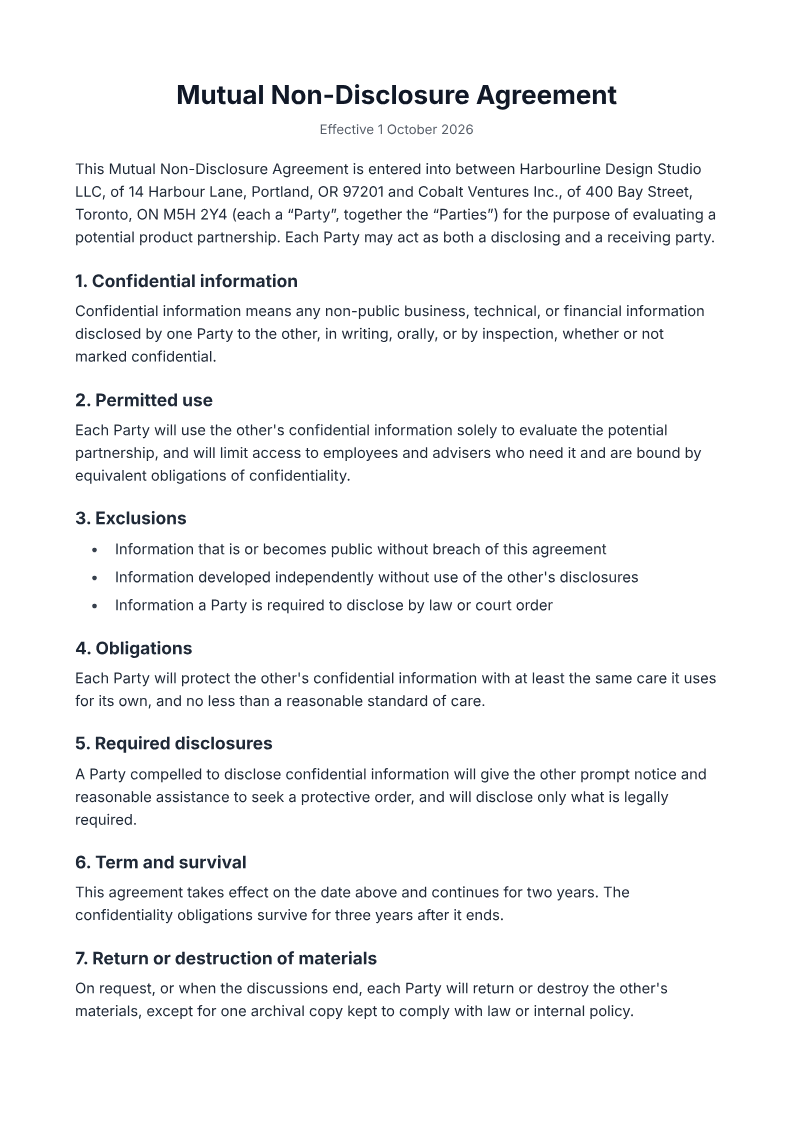
Legal document
Draft an NDA or service-agreement skeleton, with placeholders for the specifics.
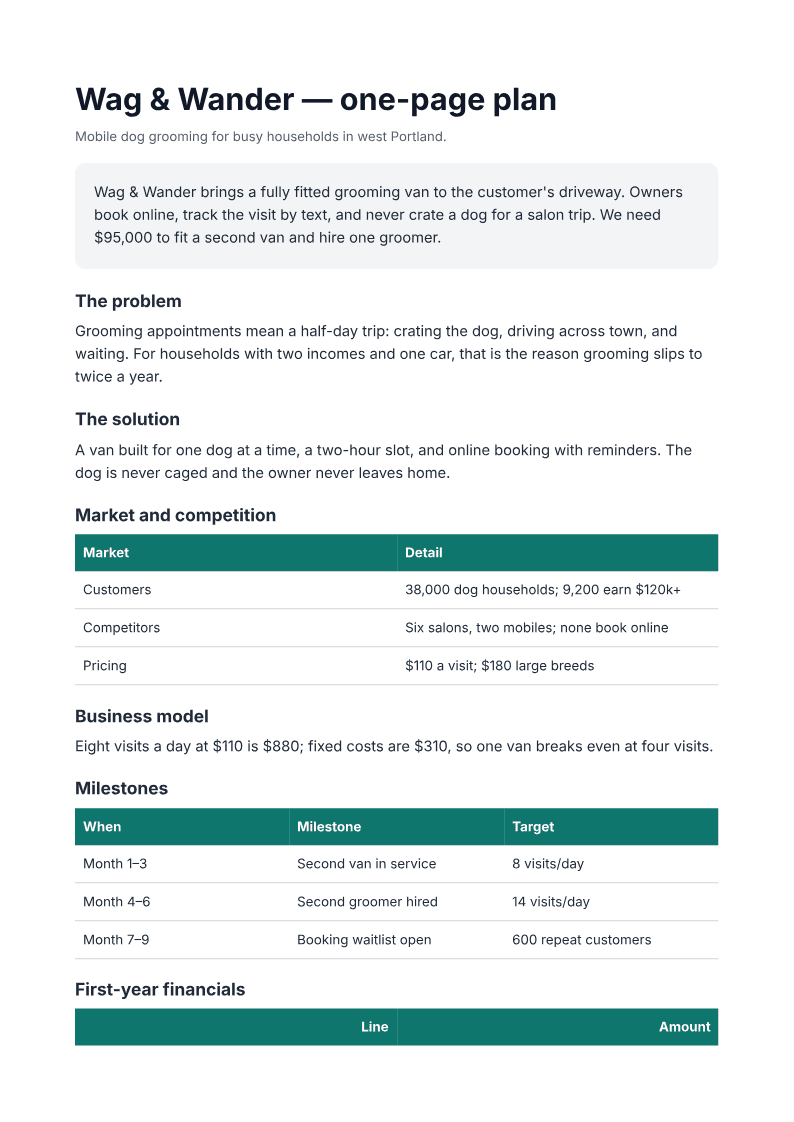
Business plan
Put the summary, market, milestones, and the ask on one page.
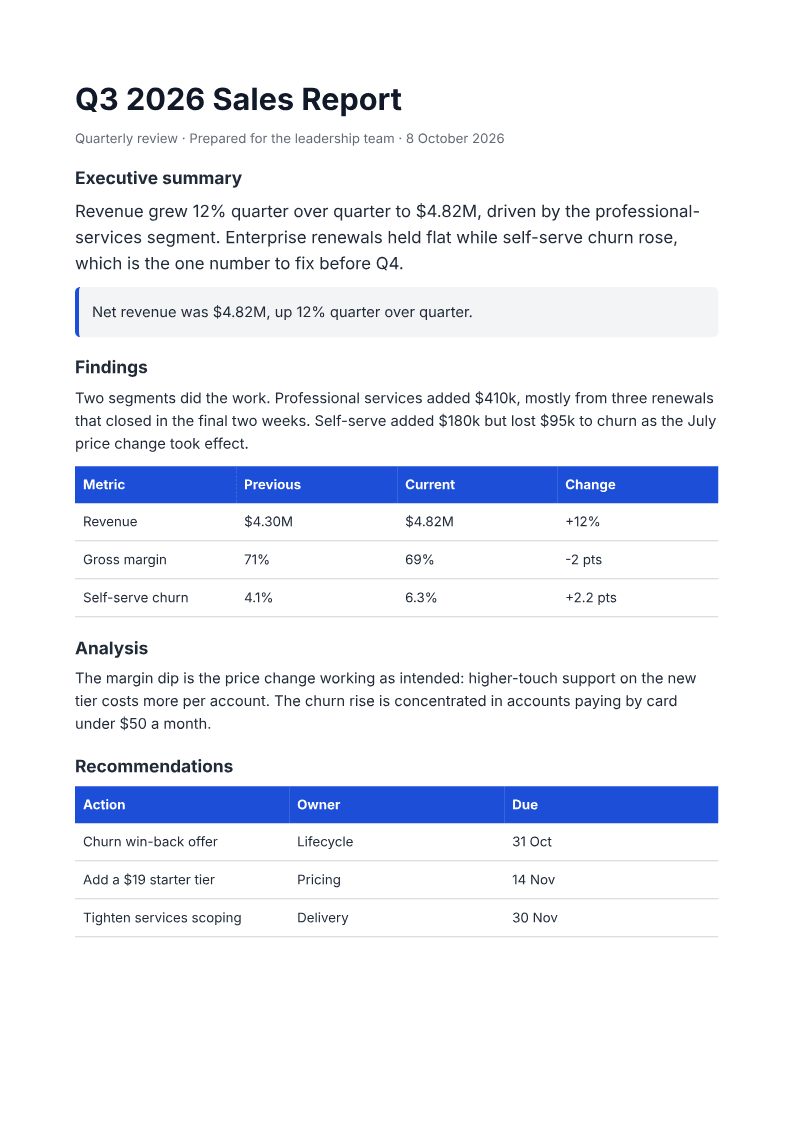
Report
Write a structured report with headed sections and tables for the figures.
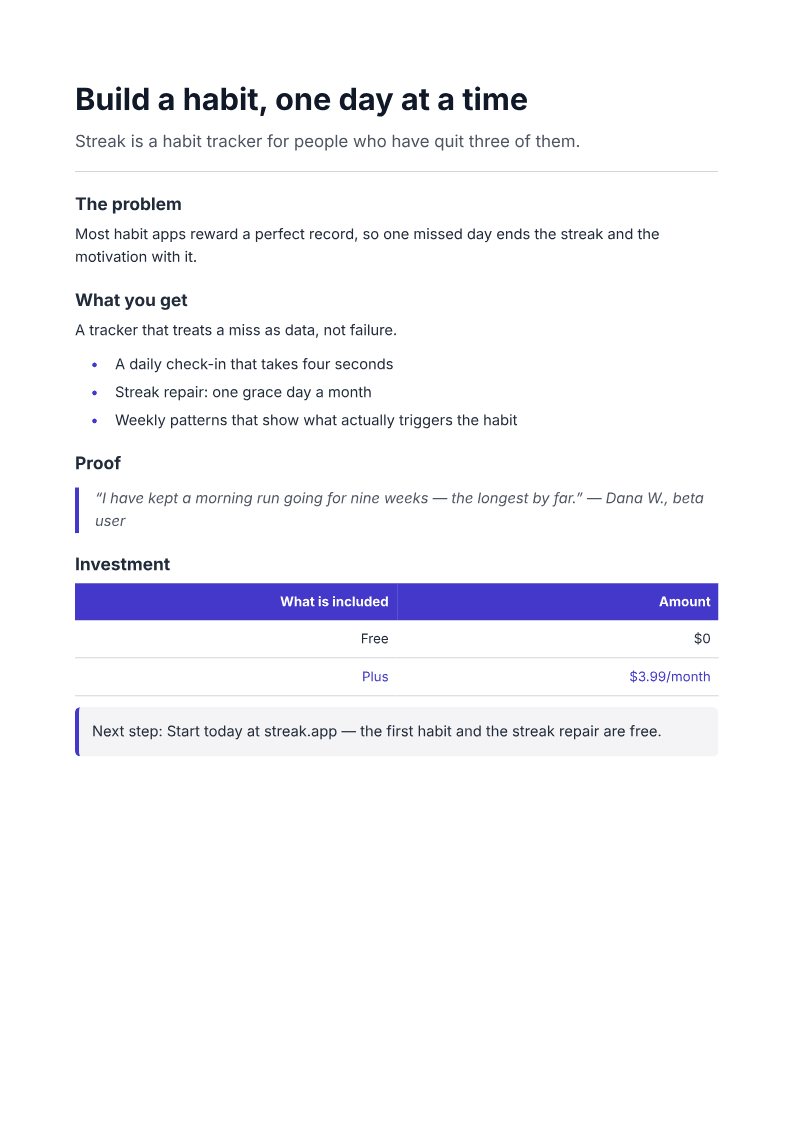
One-pager
Make one argument on one page, with columns and a stats table.
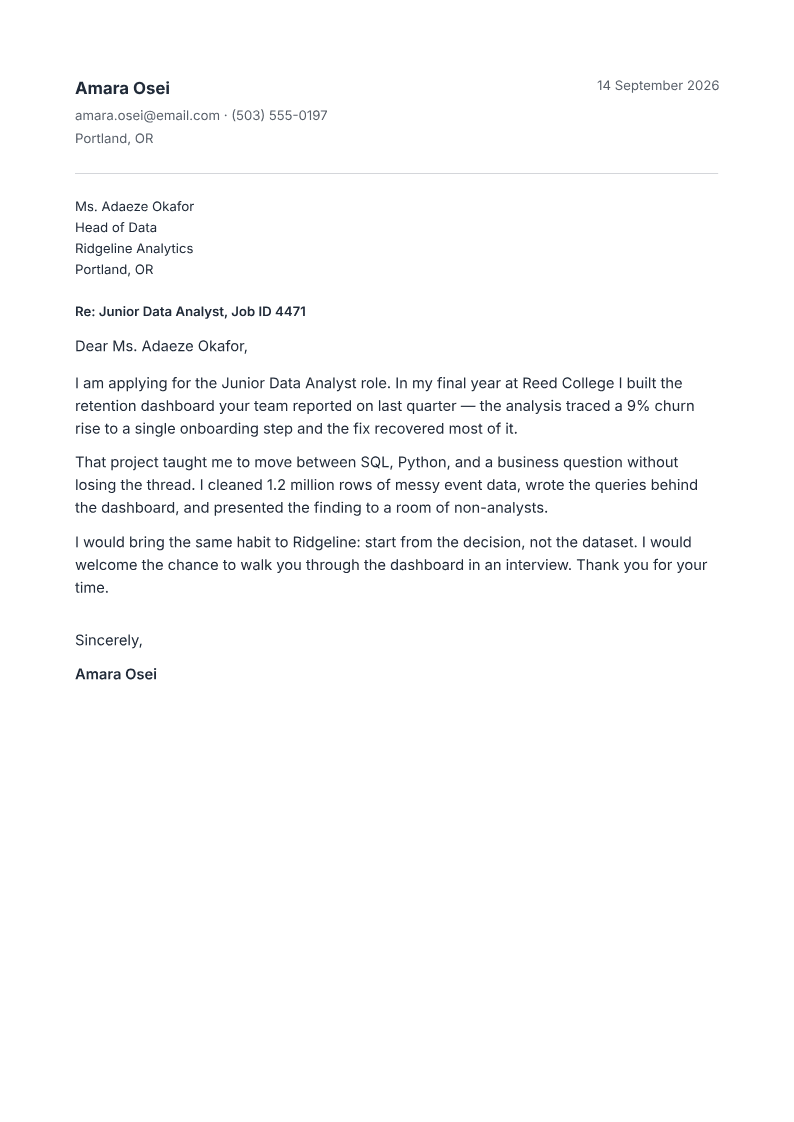
Cover letter
A one-page letter on clean letterhead, written around the job.
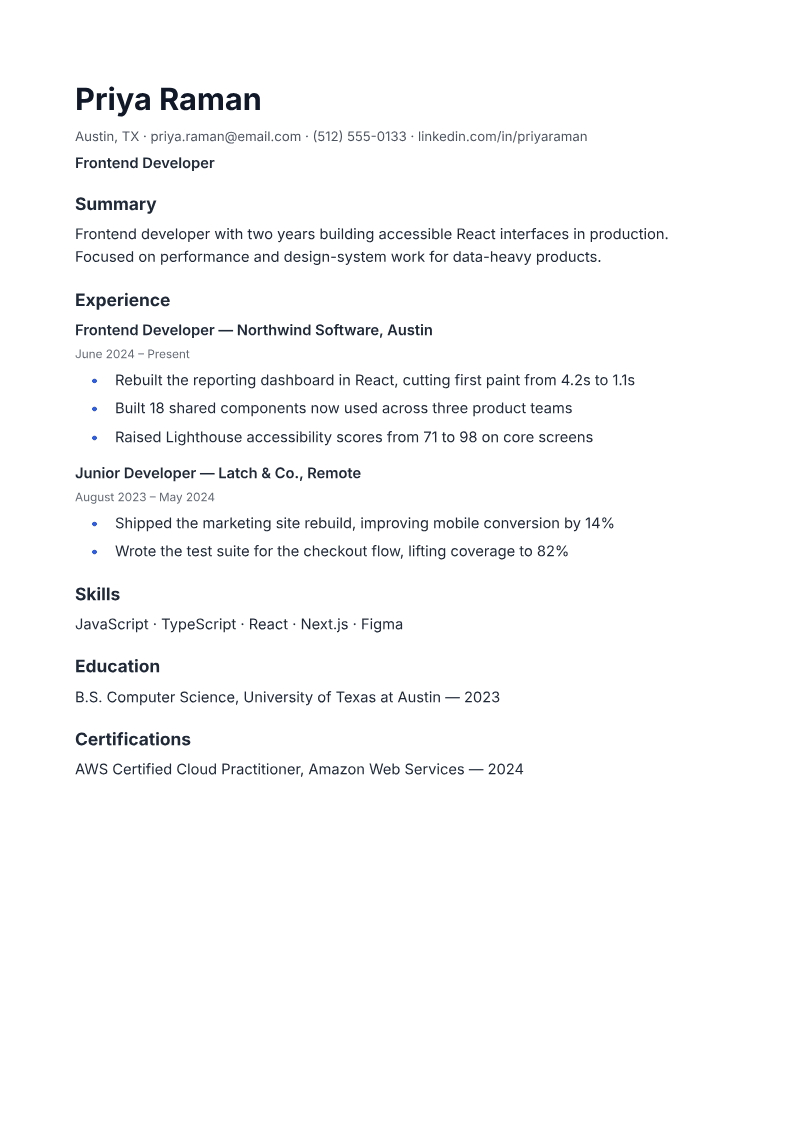
Resume
A single-column resume with standard headings; inspect the exported reading order before applying.
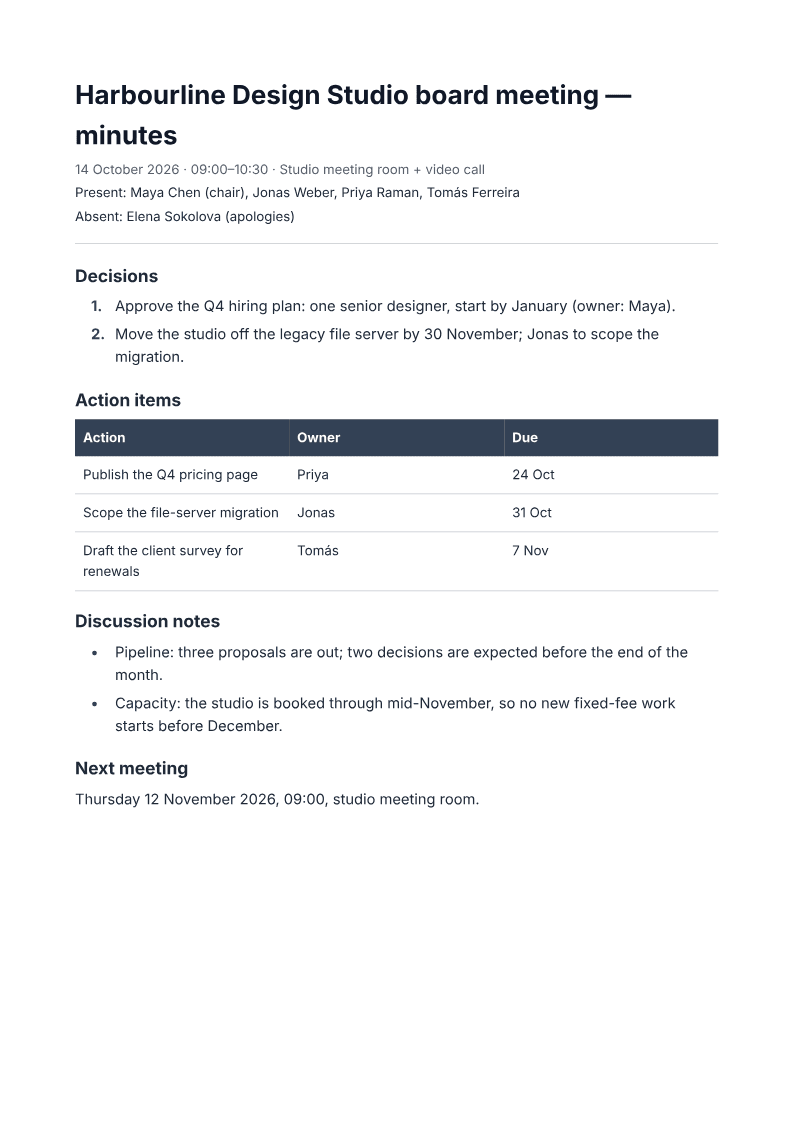
Meeting minutes
Record decisions and action items with owners, in a clean minutes format.
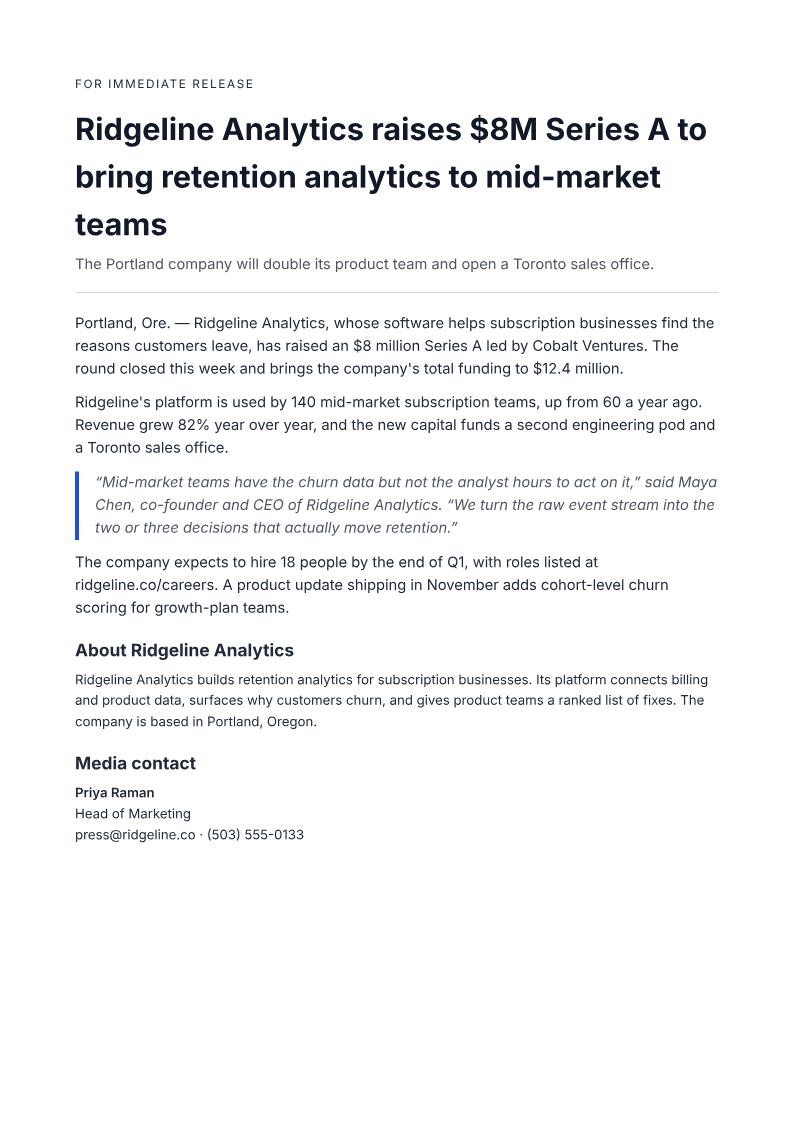
Press release
Draft the news with a headline, dateline lead, quote, and media contact.
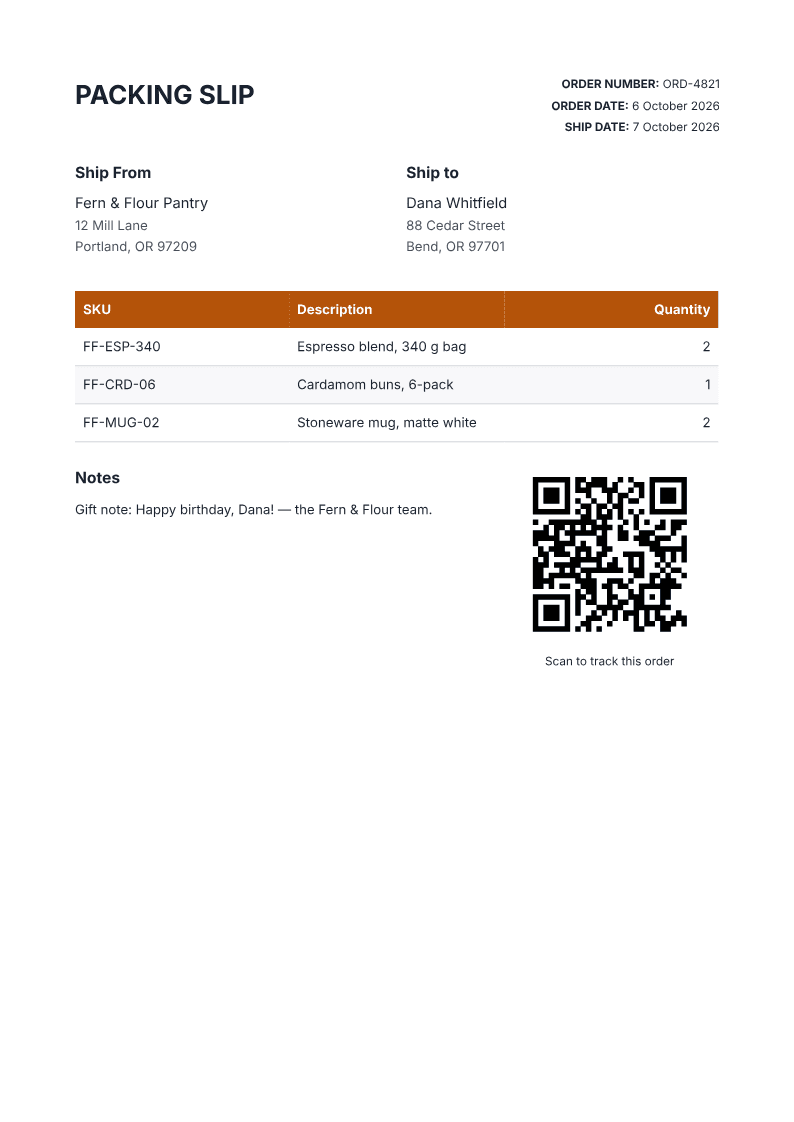
Packing slip
List what is in the box — SKUs and quantities, no prices — with a tracking QR.
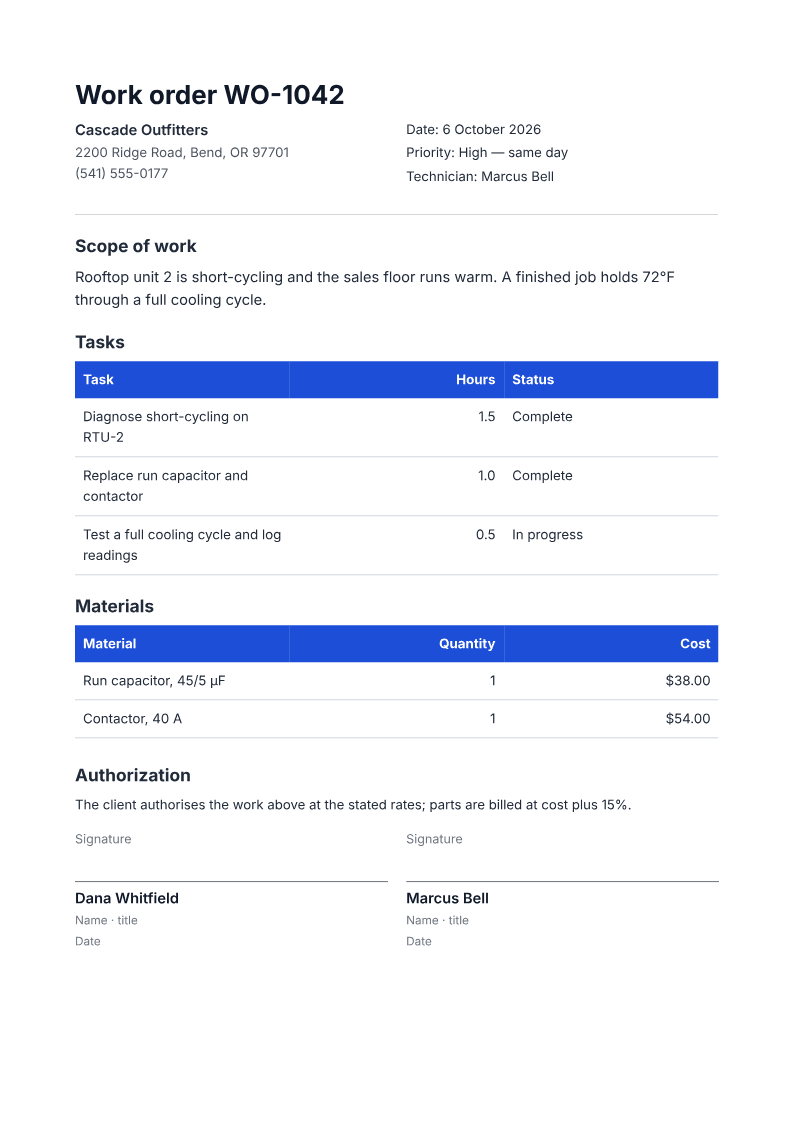
Work order
Authorise a job: scope, tasks, materials, and client sign-off.
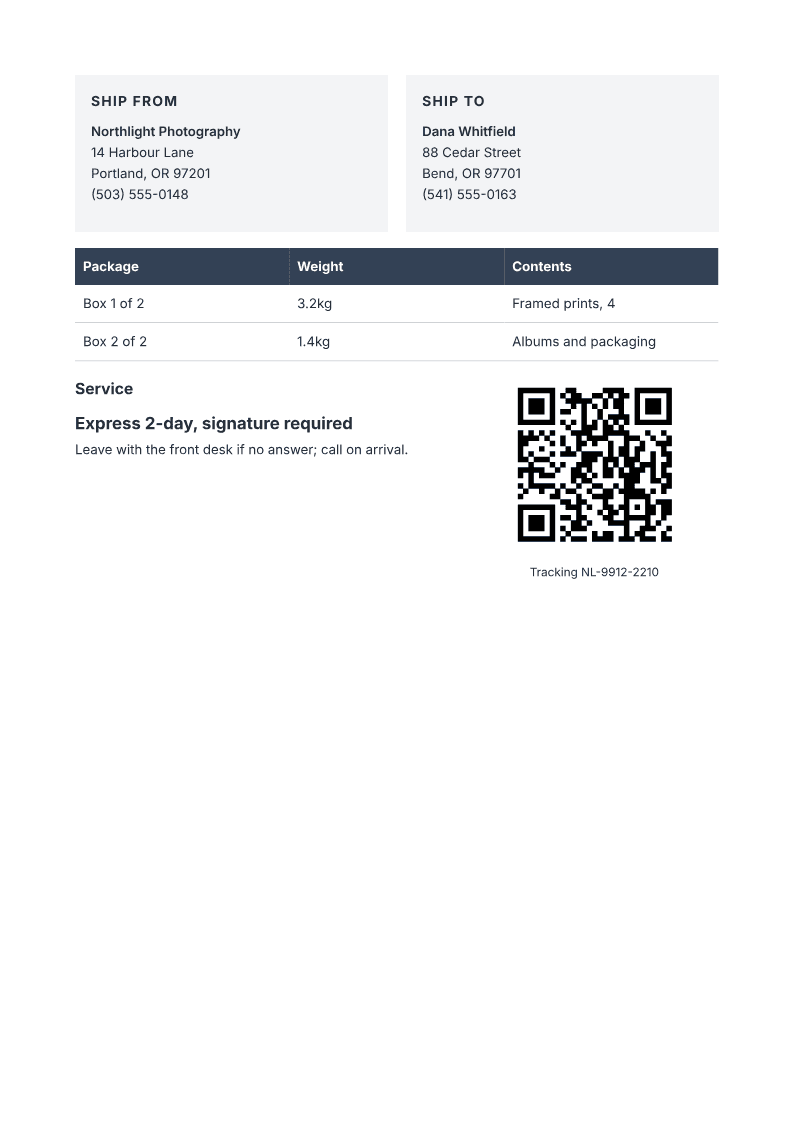
Shipping label
A printable label with addresses, parcel weights, and a tracking QR.
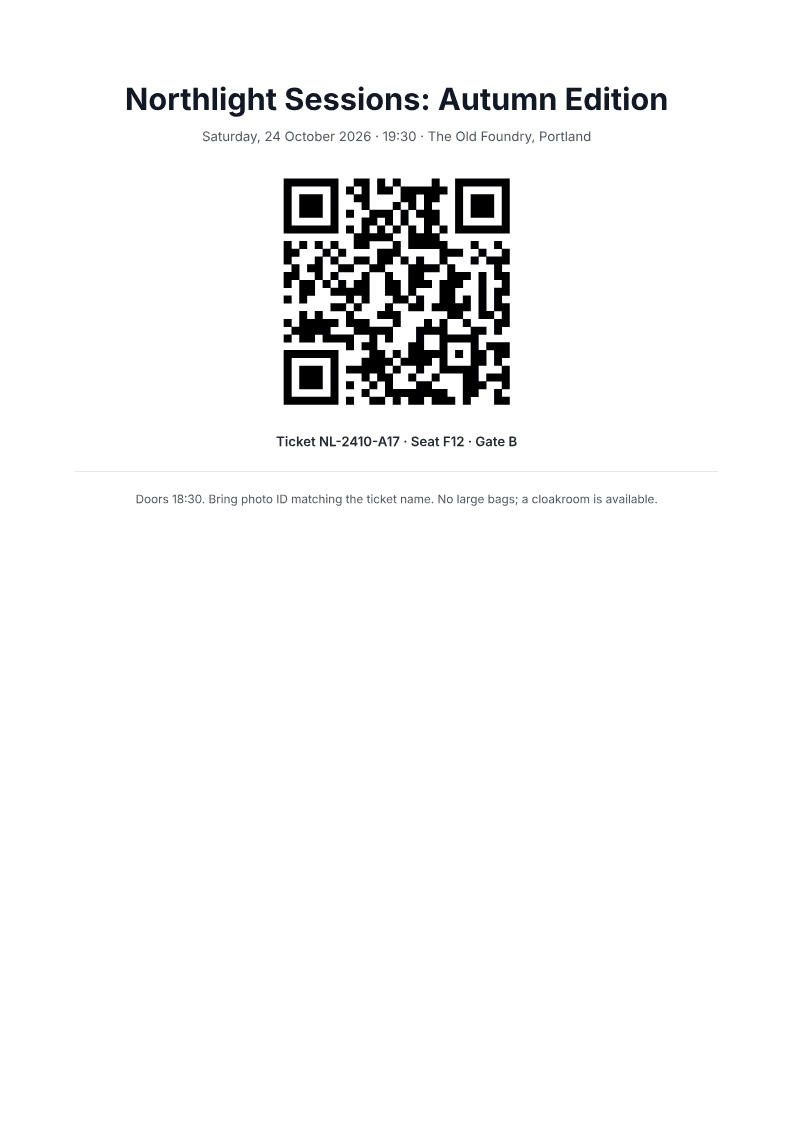
Event ticket
A centered ticket with a check-in QR, seat and gate line, and entry rules.
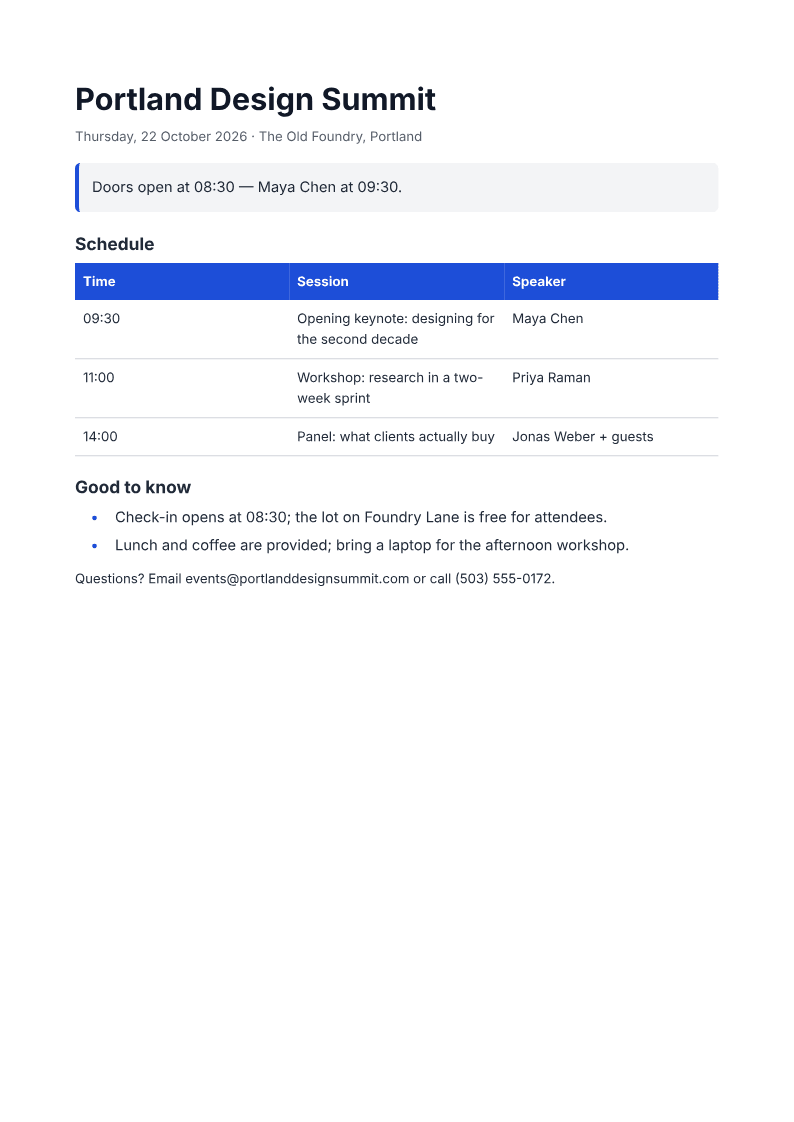
Event agenda
A schedule table with times and speakers, plus the doors-open callout.
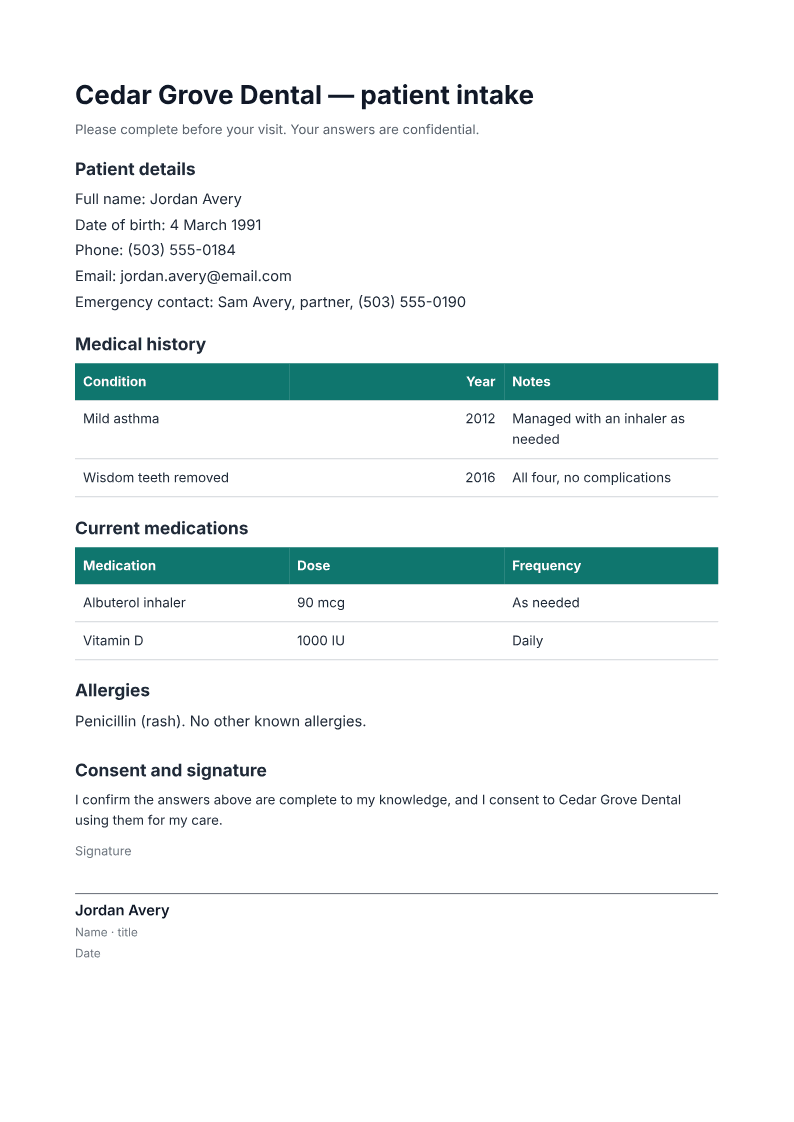
Intake form
A printable patient intake form with history, medications, and consent.
Create an A4 PDF from a text prompt
ChatGPT can generate PDF files with the right tools. PaintPDF keeps the document, live A4 preview and chat edits in one studio, so you can inspect the page as you work. Compare the workflows.
Describe the document and supply your facts. Inspect the preview, ask for changes in chat, then download and check the PDF. Start with an invoice, report, client proposal or one-pager.
This comparison is written by PaintPDF, not an independent review or a matched competitor account trial.
ChatGPT: capability-dependent
- Plain chat returns text; file generation needs tools
- Code-enabled workflows can lay out and export PDFs
- Check the downloaded file for layout and revision fidelity
PaintPDF
- An A4 page laid out by a real print engine
- Aligned tables and layout checks before export
- Download a print-ready PDF, no watermark
Tables, page breaks and editable documents
PaintPDF is an AI PDF generator: you describe a document in plain language, an agent builds it from real layout blocks (headings, tables, columns, images) and renders it as a print-ready A4 PDF you can edit by chatting and download without a watermark. It is free to start, with a live preview before you export.
Inspect the output yourself: the one-page invoice PDF has a line-item table and totals; the two-page report PDF has a KPI table and an explicit page break before its source appendix. Compare its numbers with the source KPI CSV.
These are deterministic renders of PaintPDF recipes with fictional data, not live AI prompt-following tests. The report narrative is fictional; the CSV does not establish its causal explanations. Both PDFs use A4 pages and contain extractable text.
Layout checks can flag awkward breaks, but tables taller than a page can split and headings can strand. Review the exported pages and source values before sending. Your studio document stays editable by chat; a downloaded PDF does not become an interactive application or fillable form.
Questions, answered
Is it really free?
Yes. The free plan includes 50 credits a month, around 20 PDFs, with no watermark and unlimited exports. Starter is $5/month for 8× the credits and Pro is $15/month for 24×.
Do I need an account?
Not to try the examples — they render and download without signing in. A free account opens the studio, where your documents are saved.
Is there a watermark?
No. Free, Starter and Pro exports have no PaintPDF watermark.
Can I edit the result?
Yes. The document stays editable in the studio: describe a change, inspect the updated live A4 preview and download a new PDF. Documents are saved to your account for later edits. The exported PDF is a separate file, not an interactive web app or fillable form.
Can ChatGPT do this?
Yes, when file-generation tools are available, ChatGPT can create downloadable PDFs, including designed layouts. Availability depends on your account, workspace and tool limits. PaintPDF offers a dedicated A4 document workflow with a live preview, editable blocks and PDF export.
Can I bring a document I already have?
Yes. Attach up to four files at a time: images up to 5 MB, PDFs up to 10 MB, or text files up to 200 KB (.txt, .md, .csv, .json). For Word (.docx, not .doc), PDF, Markdown, HTML or LaTeX documents up to 10 MB each, choose ‘Import a document’ from the studio’s attachment menu. The agent rebuilds imports as editable blocks; original formatting may change.
Popular generators
Free AI Invoice Generator
Type what you need and get a print-ready invoice PDF with a real line-items table and totals. Free, no watermark, live A4 preview.
AI Proposal Generator
Turn a project description into a formatted business proposal PDF: scope, deliverables, timeline, and pricing tables. Free, no watermark.
Free AI Legal Document Generator
Generate NDA and service-agreement skeletons as formatted PDFs from a description. Free, no watermark. A template starting point, not legal advice.
AI Business Plan Generator
Describe your business and get a one-page business plan PDF: summary, market, milestones, and the ask. Free, editable by chat, no watermark.
AI Report Generator
Generate a structured report PDF with headings, tables, and sections from one prompt. Free, live preview, no watermark.
AI One-Pager Generator
Describe your product or company and get a one-page PDF with columns, a stats table, and a clean accent. Free, no watermark.
Ready to make a PDF?
- Describe it, refine it by chatting.
- Live A4 preview before you export.
- Free to start, no watermark.
No credit card.